Normally, Windows is installed using optical media like DVDs and CDs but
there are times when it is not possible to boot into the windows setup
using disks probably because your DVD drive is not working or, if you
are using one of those ultra-portable laptops, it is not there at all.
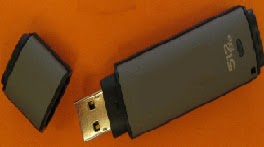
Install Windows XP, Windows 7, Windows Vista from USB drive
To overcome this problem, one can either use an external DVD drive and install Windows normally or create a bootable pen drive to install Windows whenever needed. In this tutorial, we will discuss about the latter and learn how can we create a bootable USB drive for installing Windows XP, Windows Vista or Windows 7. As installing Windows from a flash drive is much faster than from a CD/ DVD, such an installation will also save time.
Install Windows XP, Windows 7, Windows Vista from USB drive
To overcome this problem, one can either use an external DVD drive and install Windows normally or create a bootable pen drive to install Windows whenever needed. In this tutorial, we will discuss about the latter and learn how can we create a bootable USB drive for installing Windows XP, Windows Vista or Windows 7. As installing Windows from a flash drive is much faster than from a CD/ DVD, such an installation will also save time.


